Keep everyone in sync with connected project information | Full demo of Cadmatic eShare

Make project information easier to access, understand and share
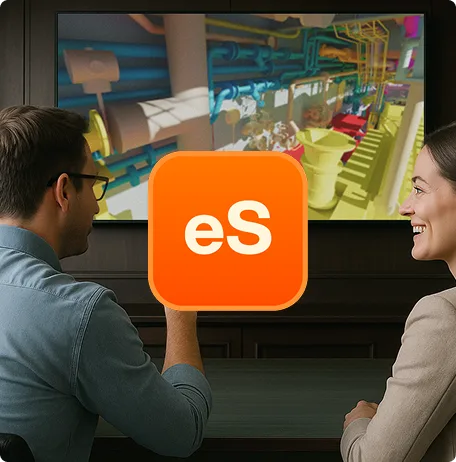
See how Cadmatic eShare helps project teams work together around connected project information. This practical demo takes you through the everyday workflow of navigating 3D models, exploring project details and reviewing designs in context.
Discover how to find the information you need, inspect model details, take measurements and make project reviews clearer for everyone involved. By bringing models, drawings and documents together in one place, eShare helps teams work from the same project reference, regardless of the tools they use.
What this demo covers
- Navigate 3D models with intuitive rotate, pan and zoom controls
- Use the clip box to cut through models and inspect internal structures
- Save and select predefined camera positions using scenes
- Take measurements to review dimensions, clearances and available space
- Access models, drawings and documents in one connected project view
- Make project reviews clearer by visualizing designs and information in context
Key functionalities shown
- Intuitive 3D navigation: Explore project models and quickly focus on the areas that matter.
- Clip box: Look inside complex structures and inspect model details using adjustable sliders.
- Predefined scenes: Save and revisit specific camera positions to make navigating and reviewing the model easier.
- Model measurements: Check dimensions and clearances directly in the 3D model, for example, to verify that there is enough space for people to move around.
- Connected project information: Access models, drawings and documents in the same project environment, giving different stakeholders a shared reference for their work.
Ready to get started?
Discover how Cadmatic eShare can make project information more accessible and collaboration more straightforward for your teams.