Release highlights 2026H2: A deeper dive into Cadmatic Electrical and Draw
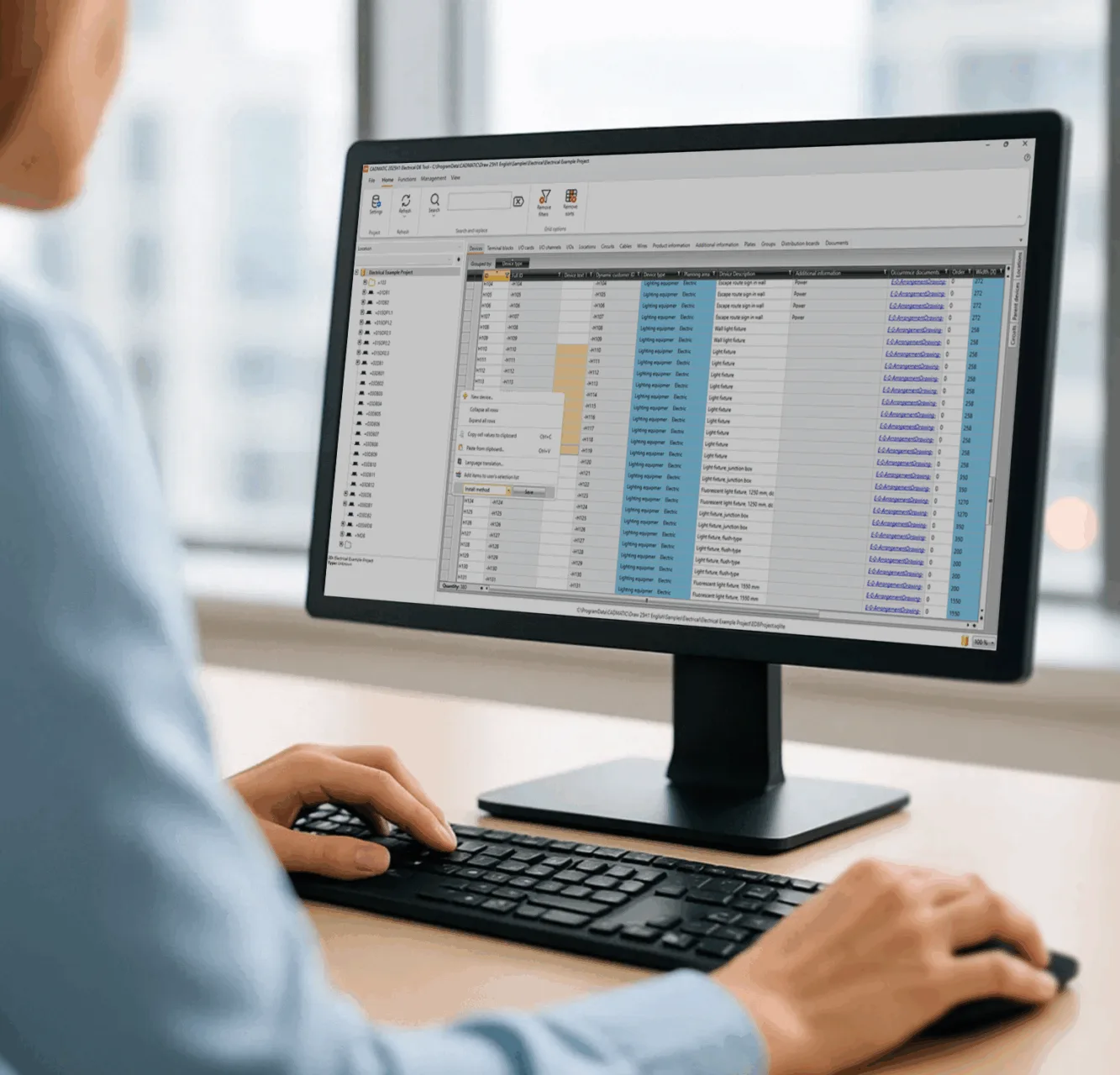
Get more out of your reports and tables
Larger Cadmatic Electrical projects now open up to six times faster in 2026H2, thanks to a new backend for project data.
See how AI Assistant supports your own report queries and integrations that now handle cables and loops.
In this free webinar, we show how the 2026H2 features work in Cadmatic Electrical and Draw:
- Get AI Assistant support when you write report queries for your own project
- Work with cables and loops in integrations, in an updated interface
- Open larger Electrical projects up to six times faster with the new eDataSet backend
- Read diagrams and drawings more easily with sharper rendering in Electrical and Draw
- Import Excel tables into Draw as native table objects, in place of linked OLE objects
Why this matters for your daily work
- Less waiting every time you open a large project
- Custom reports with less manual query writing
- Tables that belong to the drawing file, with no external link to maintain
- Text and lines that stay readable on screen
👉 Register today to attend this ~20min live webinar on Thursday, November 24, 2026, 9:00 CET and receive the recording afterwards.
Who should attend:
Electrical and automation designers in engineering companies, plant and marine engineering.
Sign up for the webinar on Nov 24 at 9 am CET