Release highlights 2026H2: A deeper dive into Cadmatic Hull
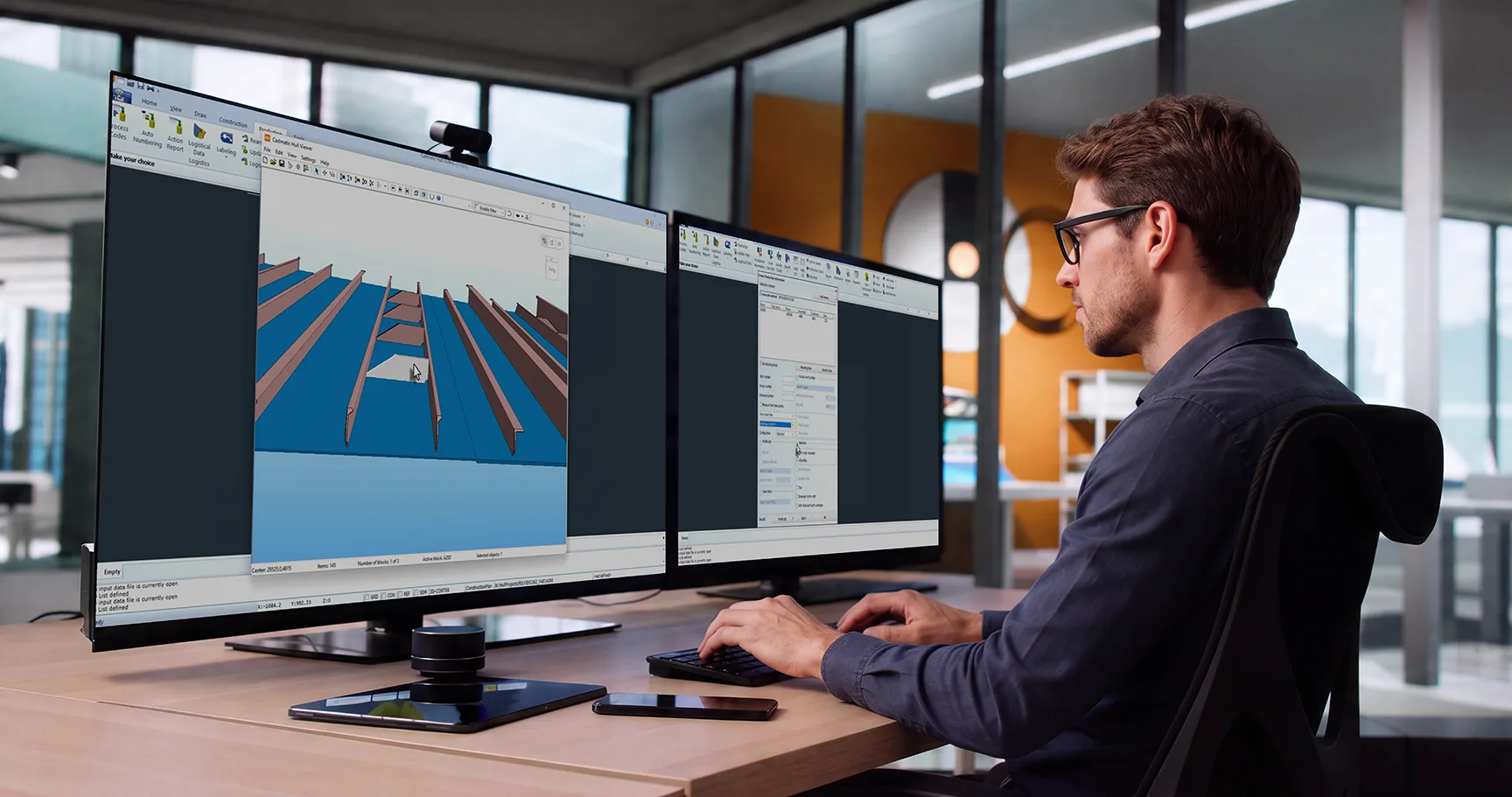
Fewer manual steps between Hull design and profile production
Every profile you model in Hull ends up as a cutting file, a workshop sketch, or both. When that output needs extra conversion, or each profile gets its own sketch, the workshop handles more paper and more chances for a mismatch.
See how the 2026H2 release lets Hull write cutting files for profile-cutting robots and group similar profiles on one sketch. You’ll also see a new view that shows everyone in the project which data operations are running and who started them.
In this free webinar, we show how the 2026H2 features work in Cadmatic Hull:
- Generate DSTV files for your profile-cutting robots directly from Hull, including contours, cutouts, holes, marking lines and bending lines included with the new add-on
- Put similar profiles on one sketch, with a comparison table that lists only what differs between them
- Follow every check-out and check-in operation in the project, its status and who started it, in an Operations table that refreshes on its own
Why this matters for your daily work
- Set up DSTV export once in about 30 minutes and stop mapping cutting data by hand
- The workshop gets fewer sketches for the same set of profiles
- Designers working on the same blocks see each other’s operations as they happen
👉 Register today to attend this ~20min live webinar on Thursday, November 19, 2026, 9:00 CET and receive the recording afterwards.
Who should attend:
Experienced Hull designers and production engineers in shipyards and marine engineering offices who prepare profile production data.
Sign up for the webinar on Nov 19 at 9am CET