Release highlights 2026H2: A deeper dive into Cadmatic’s 3D design tools
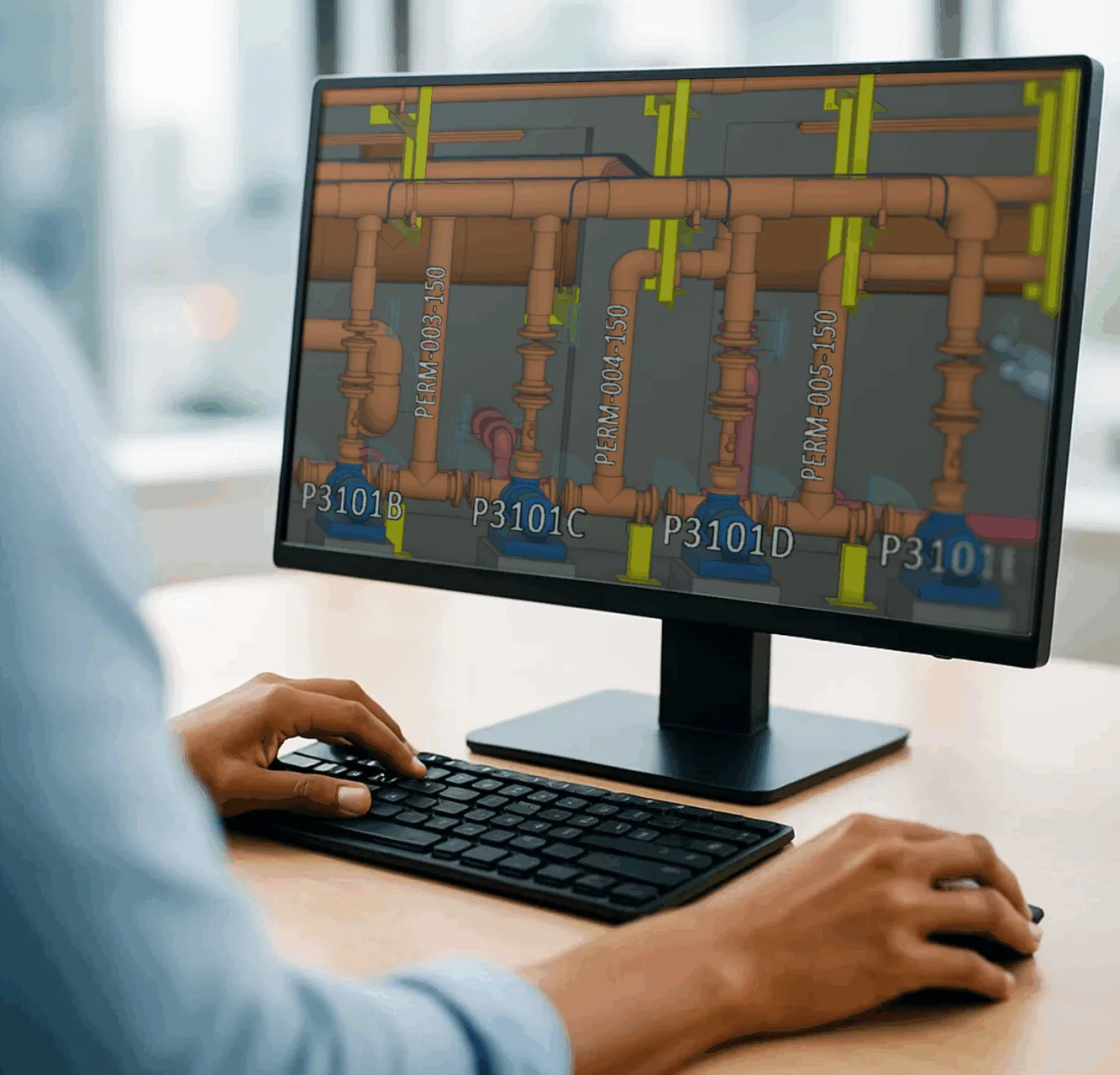
More control over changes in your 3D model and diagrams
Once a drawing is approved or equipment is placed, one unintended edit can mean rework for everyone who builds on it. Ventilation design has had a gap of its own, because duct principle diagrams could not be drawn in P&ID.
See how the 2026H2 release lets you lock approved design work and draw duct diagrams in P&ID that you publish to the 3D model for duct routing. You’ll also see the new tree-based Spooling tab and object action menus in P&ID.
In this free webinar, we show how the 2026H2 features work in Cadmatic Outfitting, 3D Plant Design and P&ID:
- •Lock groups, model objects, documents, drawings and diagrams, so only users with permission can change them
- Create pipe spools and manage their drawings in one tree-based tab next to the 3D view
- Draw duct principle diagrams for ventilation and air-conditioning systems and publish them to the 3D model for duct routing
- Easy and fast navigation with object action mode across P&ID and 3D models
Why this matters for your daily work
- Approved drawings and placed equipment stay as released until a permitted user removes the lock
- Duct systems start in the same diagram tool as your piping systems, with the same line naming pattern
- Spool production work stays in one view beside the model
- Designers who switch between P&ID and Outfitting or 3D Plant Design find the same menus
👉 Register today to attend this ~20min live webinar on Tuesday, November 17, 2026, 9:00 CET and receive the recording afterwards.
Who should attend:
Experienced Outfitting, 3D Plant Design and P&ID designers, piping and HVAC engineers, and project administrators in shipyards, marine engineering offices and plant engineering companies.
Sign up for the webinar on Nov 17 at 9 am CET